Android browsers
Chrome 90 or later is the recommended browser on Android. The lobby layout, live casino stream and betslip all render correctly on this version and above.
The prk365 lobby runs in your mobile browser — no download required to get started. Open your account, check the slots, live tables and sports markets, and verify whether a dedicated app build is currently available for your device, where access is permitted under…
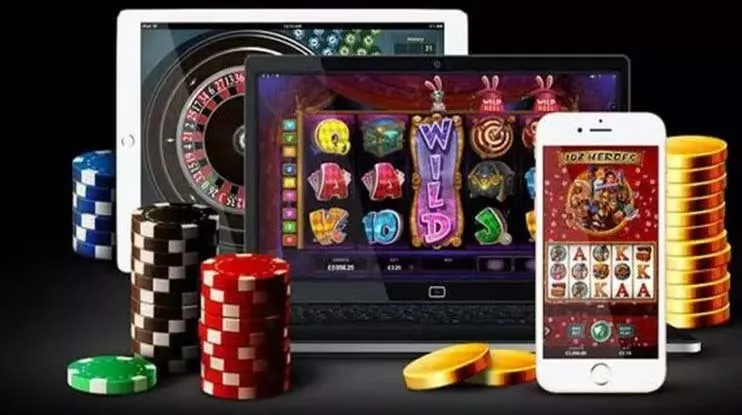
Most modern smartphones handle the prk365 lobby without any configuration. Check the points below if you run into display or login issues.
Chrome 90 or later is the recommended browser on Android. The lobby layout, live casino stream and betslip all render correctly on this version and above.
Safari on iOS 14 and later supports the full lobby. Third-party browsers on iOS may have limited push notification support due to Apple platform restrictions.
The interface adapts to screens from 360px wide upward. Portrait mode works for slots and table games; landscape is recommended for live dealer streams.
A verified prk365 account is required before accessing real-money games. Account verification is completed through the profile section after registration.
If your device is not listed here, open prk365 in your browser and the lobby will indicate whether your current browser version is fully supported.

Getting into the prk365 lobby on your phone takes less than a minute. There is no APK to sideload and no app store approval to wait for — the browser path is the straightforward route. Chrome on Android and Safari on iOS both handle the full lobby without any plugin. If a native app build becomes available for your region, the download
link will appear inside your account dashboard rather than through a third-party source. Always verify the URL before entering your credentials, and use the official prk365 address only.

Pull up Crash Rush or Teen Patti Card Rush mid-commute and the lobby loads cleanly in your browser without any install step. The mobile interface keeps your betslip, live casino tables and slot rooms in one scrollable view so you are never hunting through menus. Push notifications alert you when a live table round is about to close or when your account
activity needs attention. Quick deposit puts your JazzCash or Easypaisa wallet one tap away from the cashier screen, and fingerprint login means you skip the password every time you return. Players in Karachi and Lahore use this path daily to move between Slot ThunderStrike sessions and live sports markets without switching devices.
Four things that make the mobile experience worth using every day, not just when you are away from a desktop.
Straight answers to what people actually ask before they start using the mobile lobby.
Service availability depends on eligible regions and local law. Users should check local rules before opening an account.
Access may be available only where local law permits.